Areas on our websites almost always correspond to specific areas in the dashboard.
Common types of content are:
We will cover the most common types of content, custom content types will differ slightly from site to site due to the custom nature, but the basics remain the same.
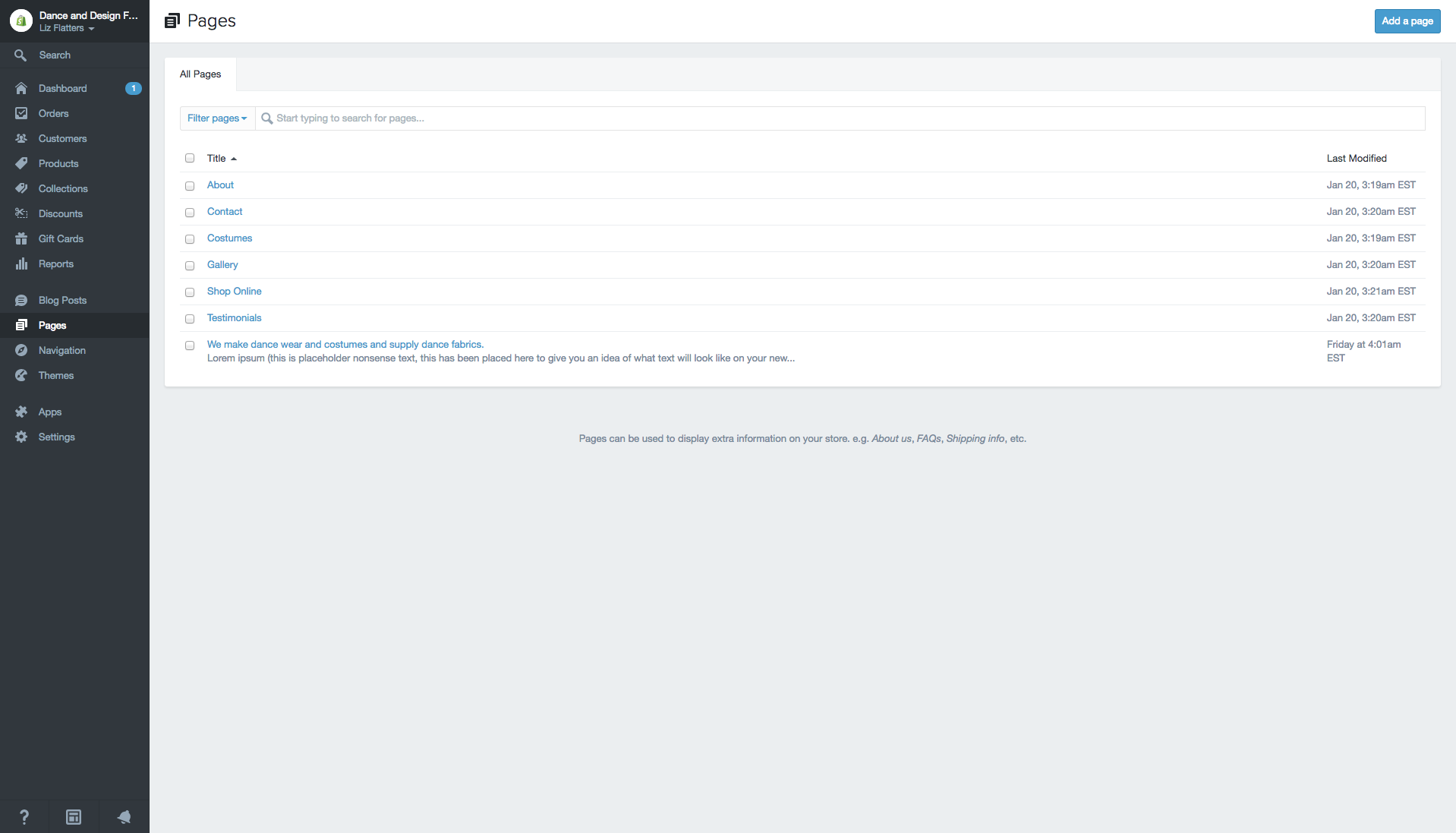
You can see all the content from each type by selecting it from the sidebar in the Dashboard, from there clicking the title of the content, be it a page or post or other will take you to the editing screen.
The most common type of content is the “Page”, which is usually something like the “About Us” or “Contact” page. Pages are hierarchal static objects that exist to deliver specific information to the front of the site. In the back end they consist of a Title, a Content Area, a Template (which decides what the page will look like) and optionally a Parent (which determines hierarchy). The Title is the name of the page and the Content Area will be what is displayed on the front end of the website.
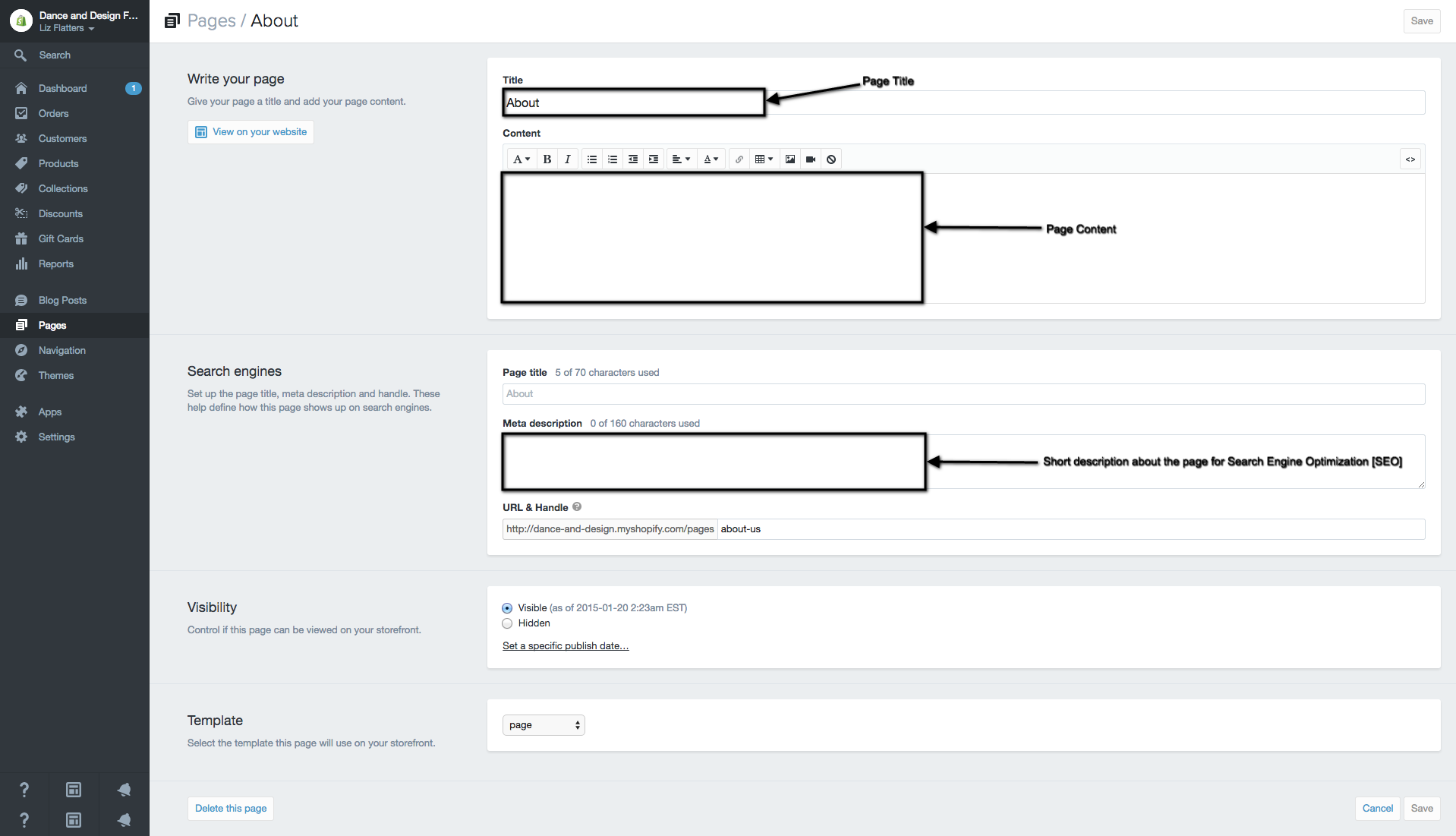
The next most common type of content is the “Post”. Posts will usually appear in groups such as news feeds and archive pages. They can also be displayed as a whole, individually if you click on the title or the “read more” links. Posts consist of a Title, Content Area and a Category (easy way of assigning a post to a specific feed section of the site, like the front page for example). Editing posts is much the same as pages.
Whenever you make changes to, or add any type of content on the site, you must always publish the changes that you make in order to save them and make the changes visible on the site.
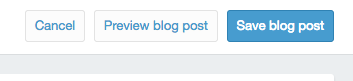
Publishing is done through the “Save/Save blog post” button on the top right of each edit page:
 NOTE: You must provide a title before publishing or the content will not save and you may lose all your work.
Generally all you will ever need to do is press “Save” when you are finished editing.
You may make a page/post hidden from the public by changing the Visibility of it, Visible will allow everyone to view the content, Hidden will only allow logged in members to view.
